
Barcode & photo scan
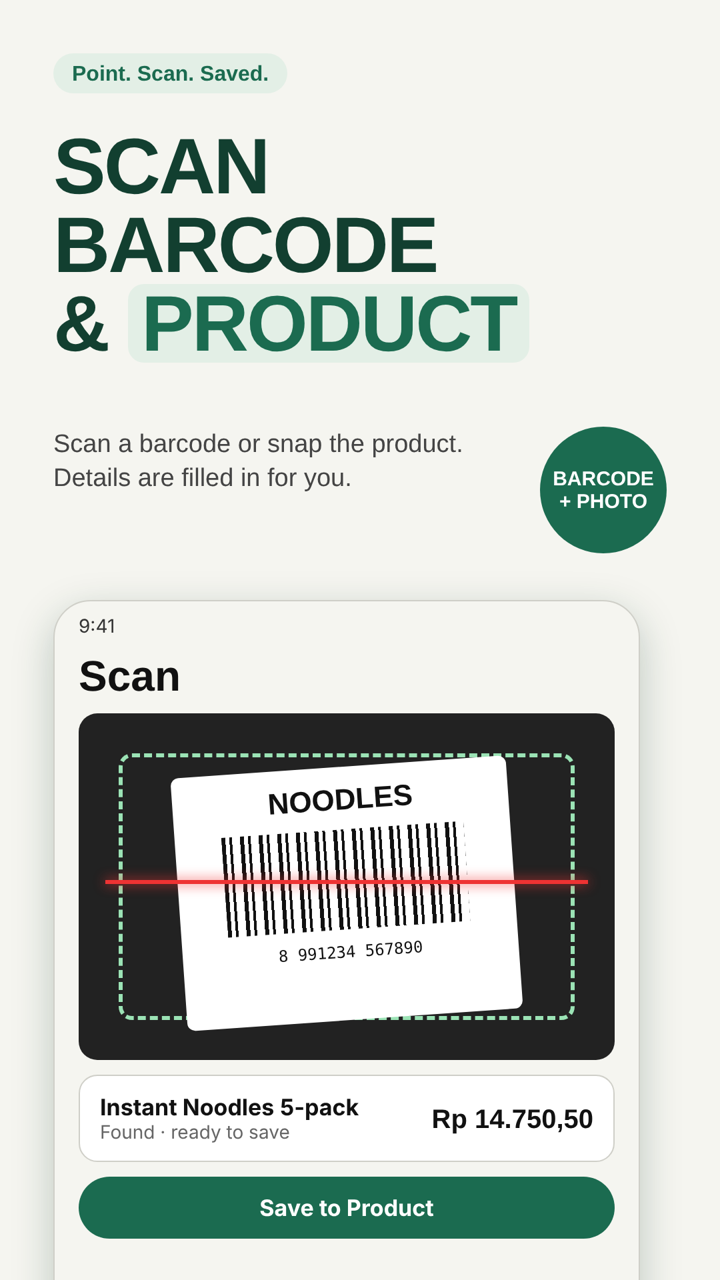
Choose a barcode scan or photograph a product. AI-generated product suggestions may be incomplete; confirm the identity before saving.
Pretio: Price Tracker with AI
Scan a barcode or take a product photo for an AI-assisted suggestion, save prices as you shop, compare value by unit or category, and organize your shopping list.

About Pretio
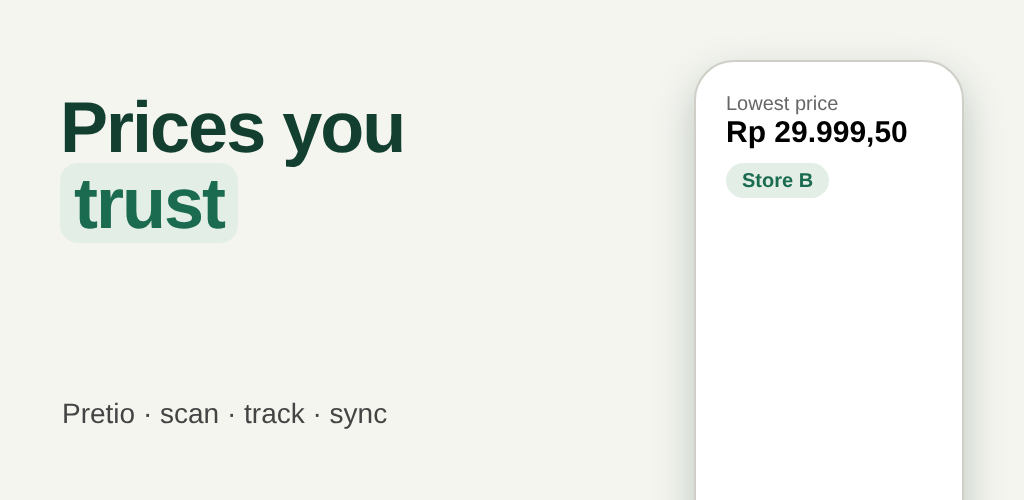
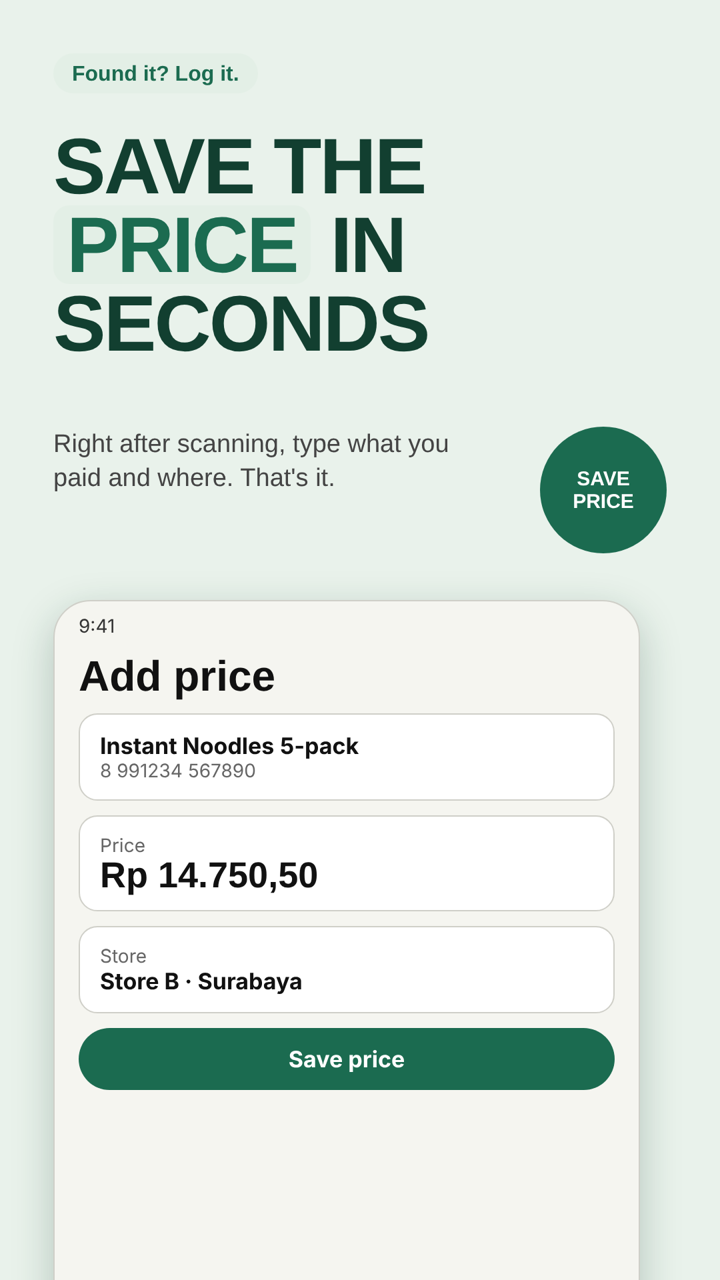
Record the prices you find, check your saved price history, compare products fairly, and plan what to buy next. AI helps suggest product identities, but it does not replace checking the package and seller.
Your own prices, available when you need them.
Save products, stores, prices, units, and shopping-list items on your device, and optionally sign in to sync them across your phones. Best Price is based on your recorded price history, not a guaranteed live store offer.
Two scan choices: Barcode and Product photo.
A Product photo can return an AI-suggested identity without requiring a barcode. Review the suggestion before adding a product or a shopping-list item. Product Insight is available from Product Detail when supported.
Features
Choose a barcode scan or photograph a product. AI-generated product suggestions may be incomplete; confirm the identity before saving.
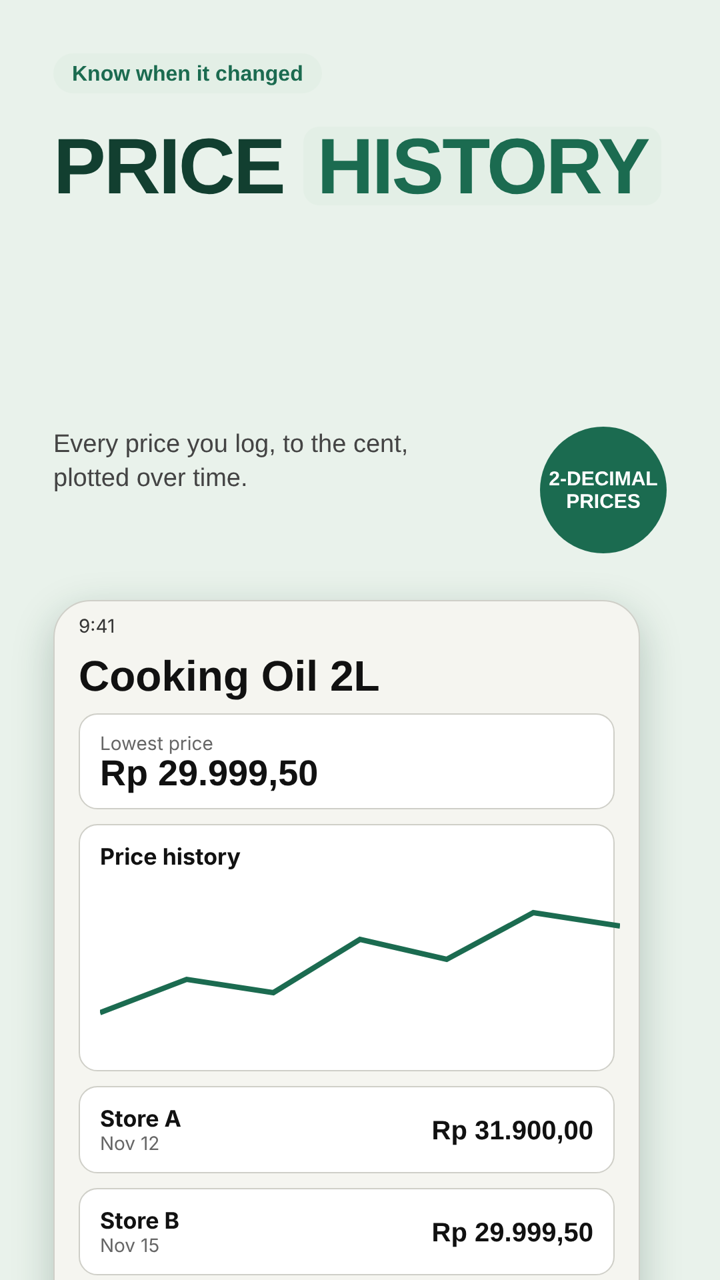
Keep a record of prices by product and store, and revisit your saved best price over time.
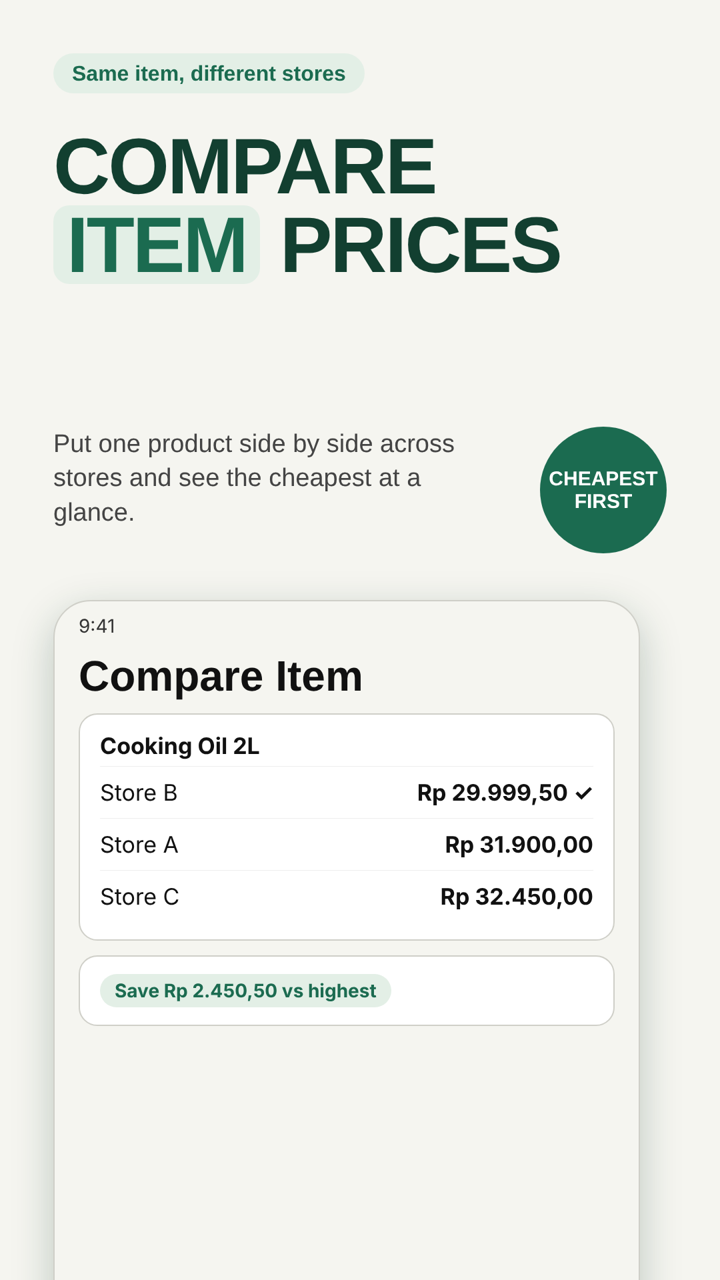
Compare quantities and unit prices to find better value among similar products.
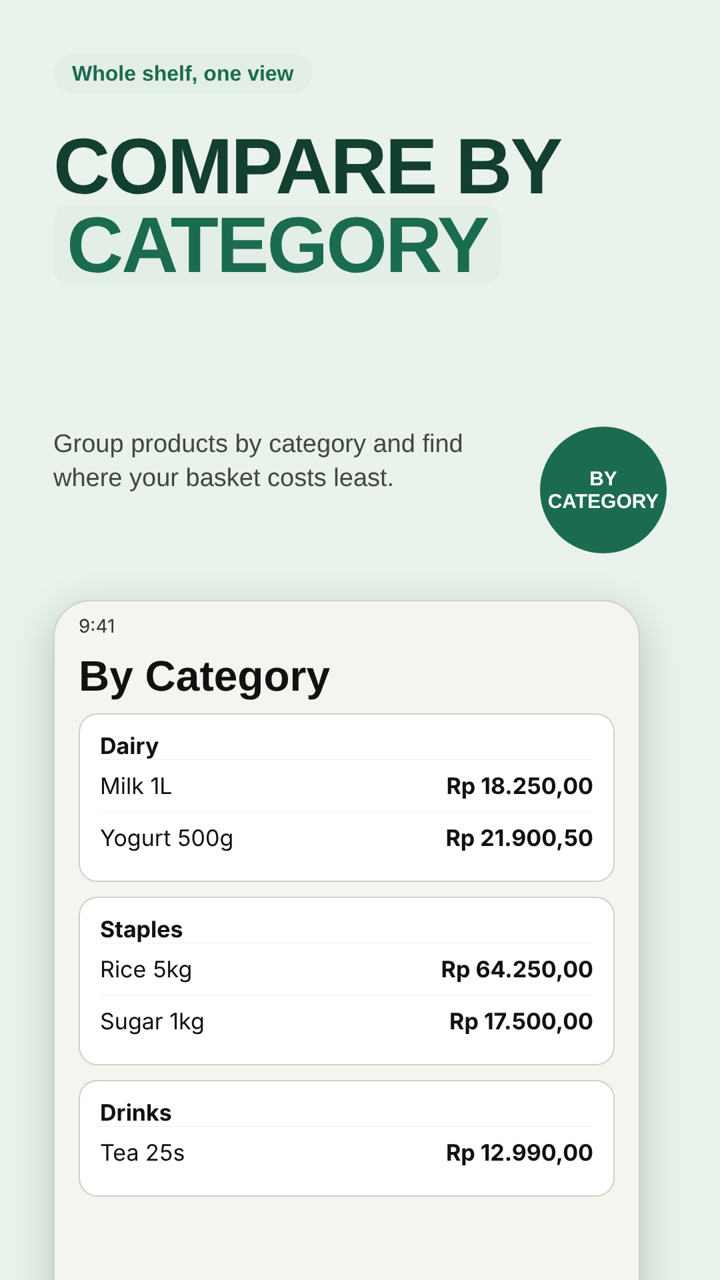
Review category rankings and compare options using the prices you recorded.
Build a shopping list, review quantities and estimated totals, and add a product from Scan Result.
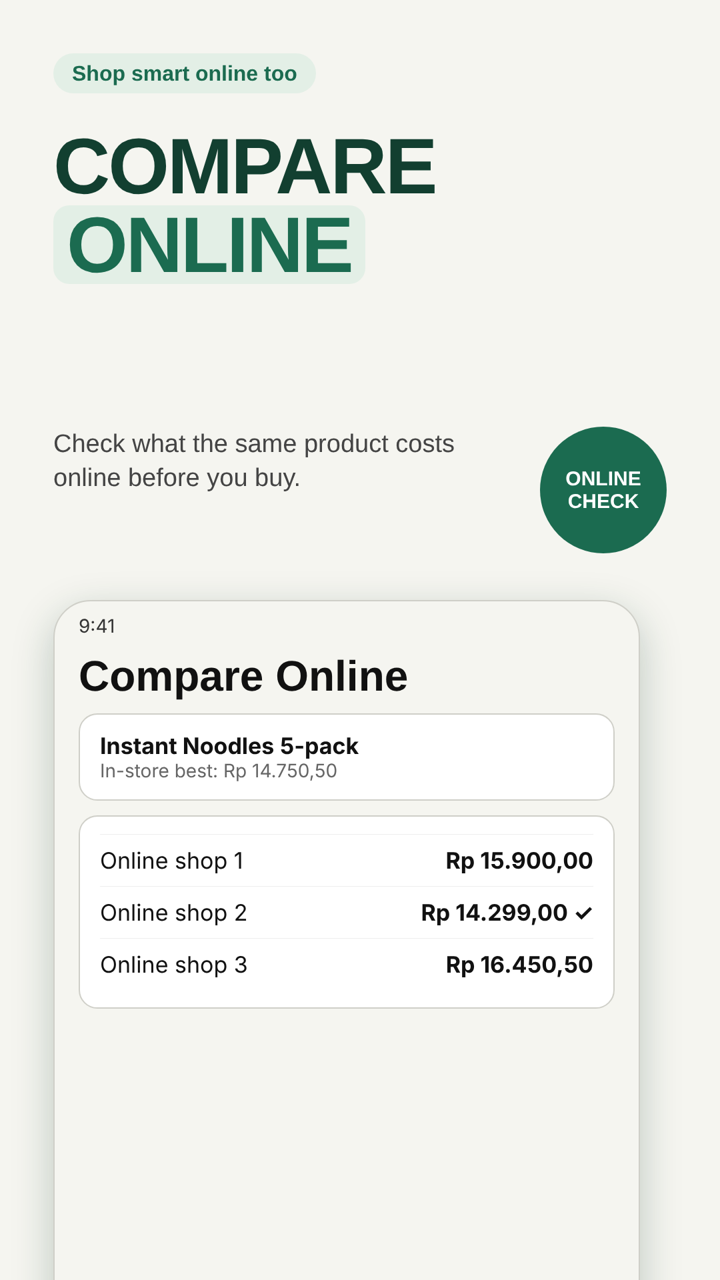
Open online product listings for comparison. Prices and availability depend on external sellers and search results.
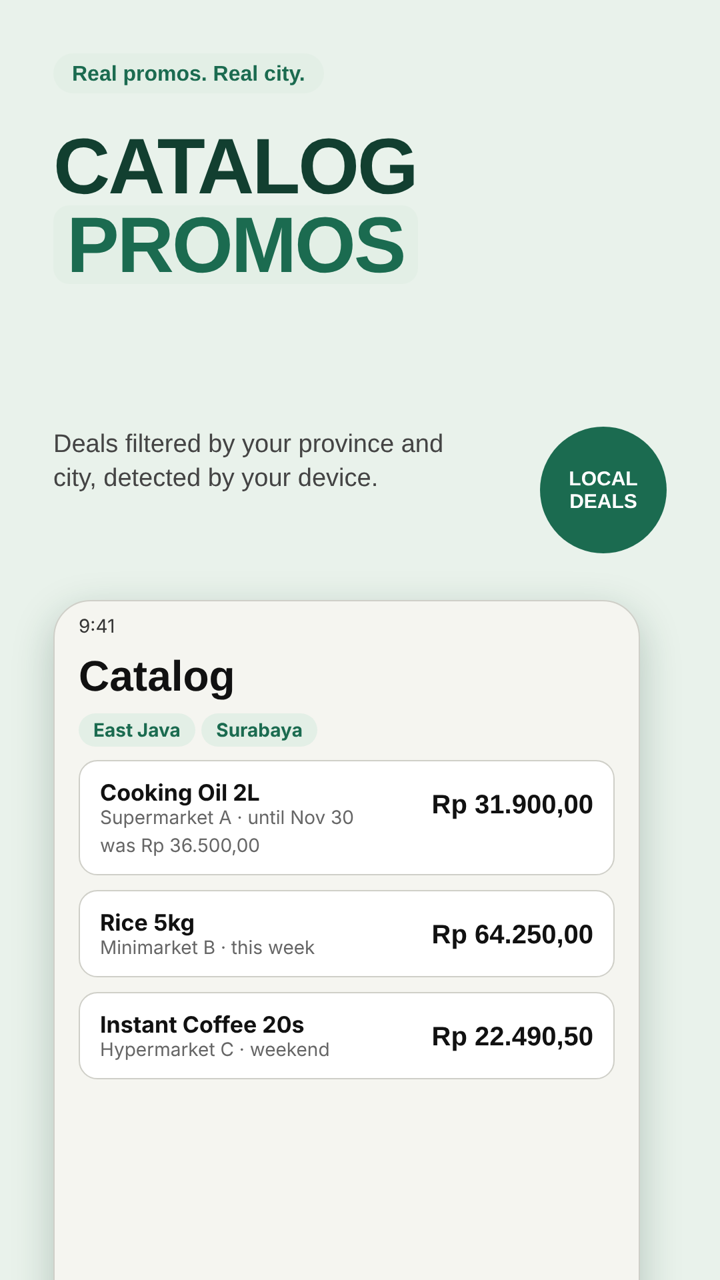
Explore available store catalogs and promotions for supported locations.
Open AI-assisted product details when available from Product Detail. Treat generated descriptions and estimates as suggestions, not verified facts.
What's new in 1.4.6
Sign in to back up and sync your products, prices, stores, and shopping lists. Signing in is optional; without it Pretio works locally as before.
Sign in on several phones. A limited number of phones can be active (syncing) at once; switch the active phone from Account whenever you like.
If you delete your account, you can recover it within 30 days.
Deleted items can be restored from Recently Deleted instead of being lost right away.
Identify products from a photo or a barcode with AI. Usage is limited per day and per month; your usage is shown as bars on the Account page. A failed AI result is not counted.
Store catalogs and promos are shown for the country detected on your device, so you only see offers that apply to where you are. Choose your province and city within that country.
Enter prices with decimals for more exact comparisons.
Free & Premium
If you go over a limit (for example after a plan ends), Pretio never deletes your data automatically. New items are blocked until you delete some or upgrade; everything you already saved stays.
Delete All Data removes your records on the device and, when signed in, in the cloud; you must type DELETE and wait a short countdown. Deleting your account can be undone within 30 days. Backups are manual, and Pretio asks if you want a backup first. See Data and privacy.
Screenshots
Illustrations of Pretio 1.4.6 using sample data; the app screens may differ in detail.
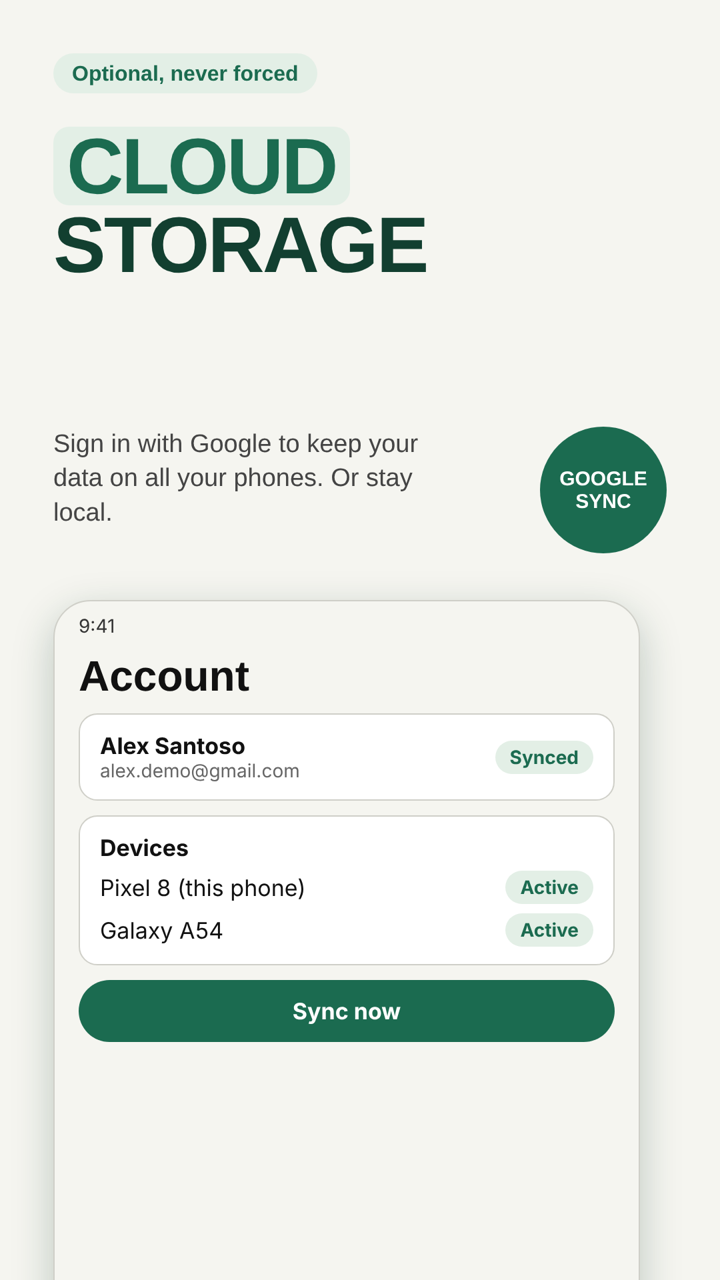
Saved products, price history, stores, and shopping lists are kept locally on your device. No Pretio account or cloud synchronization is needed to use these local features. If you choose to sign in in Pretio 1.4.6, your records are also synced to your account.
Photo-based product recognition can send the selected image to Google's Gemini service through Firebase AI Logic. Online search and catalogs may contact external services. AI suggestions and online prices can be inaccurate or unavailable.
Google Mobile Ads and other third-party services may process technical information according to their policies. Pretio does not use your locally saved prices or shopping-list contents to target advertisements.