Set a location
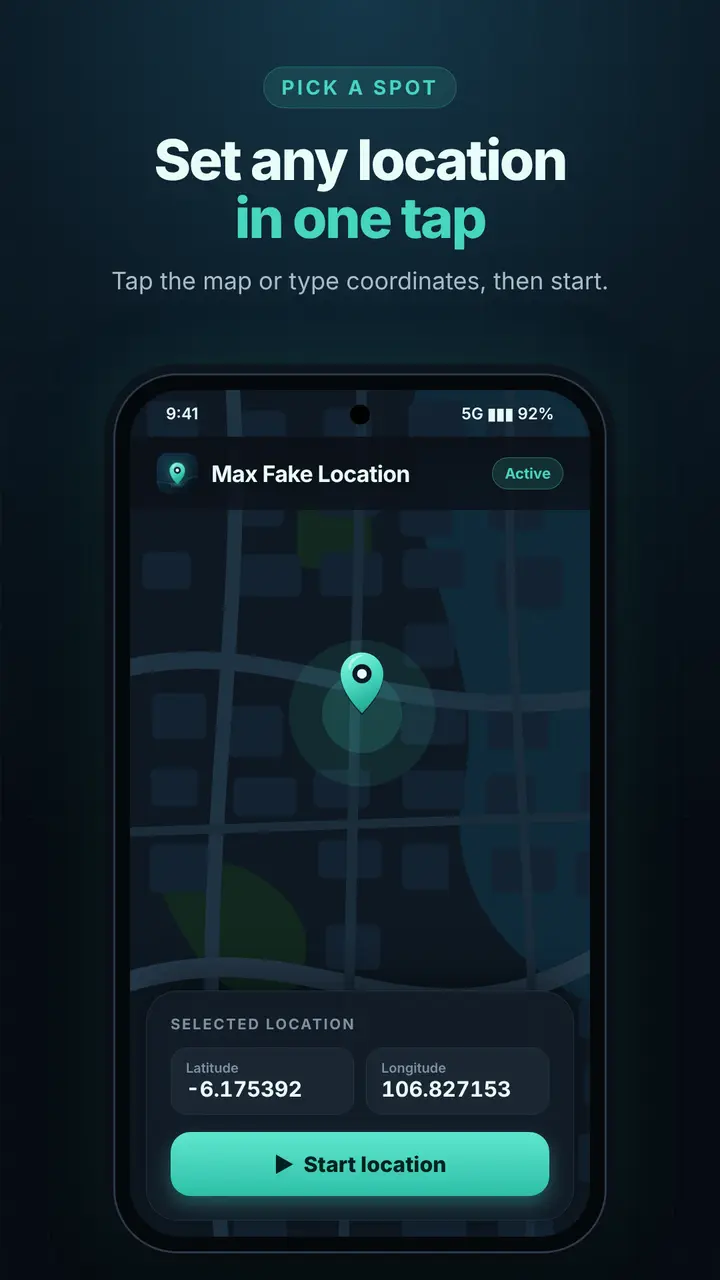
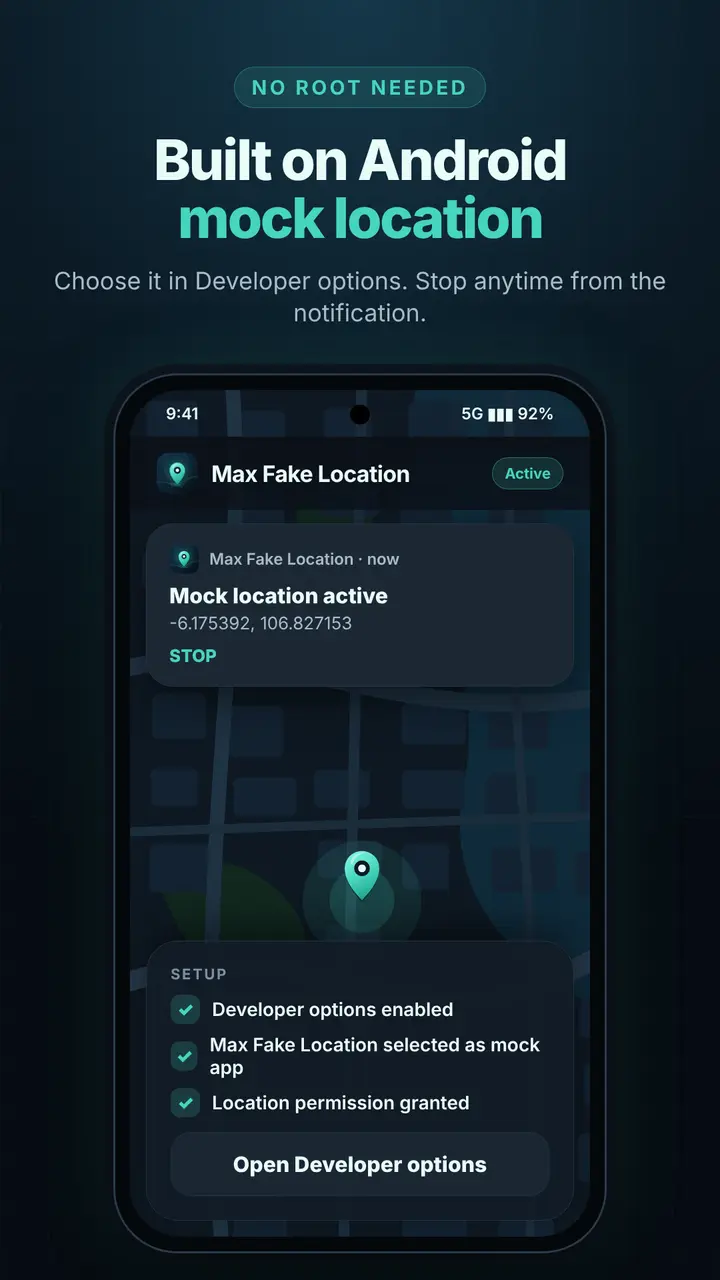
Tap the interactive OpenStreetMap map, or type latitude and longitude, then tap Start. Android receives the position through its official mock location provider until you stop.
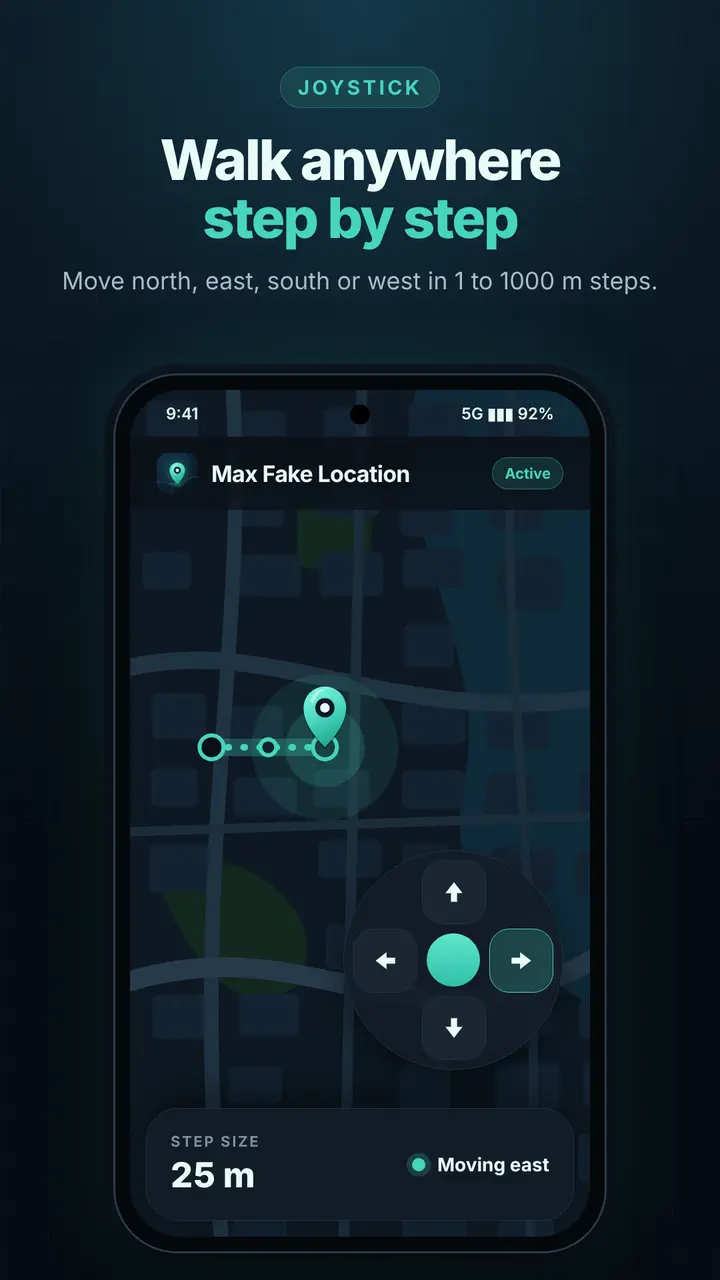
- Joystick: move north, east, south or west in steps of 1 to 1000 meters.
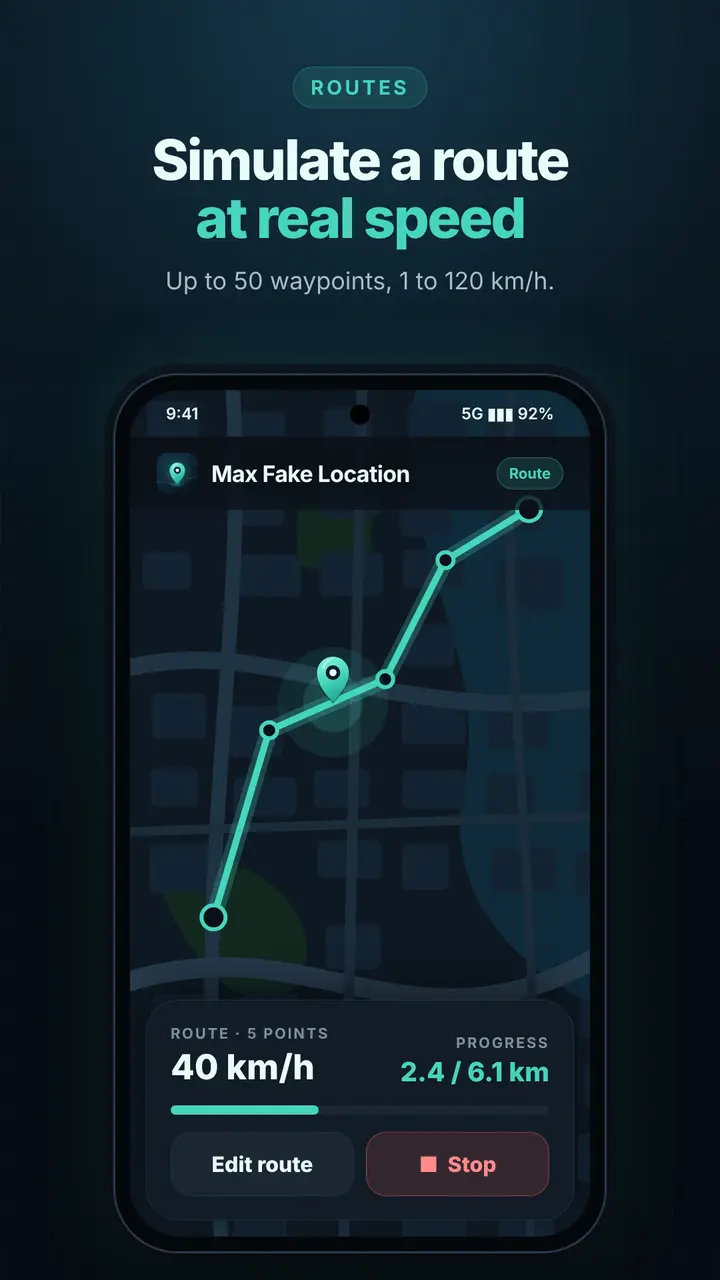
- Routes: 2 to 50 waypoints at 1 to 120 km/h, holding the last point when the route ends.
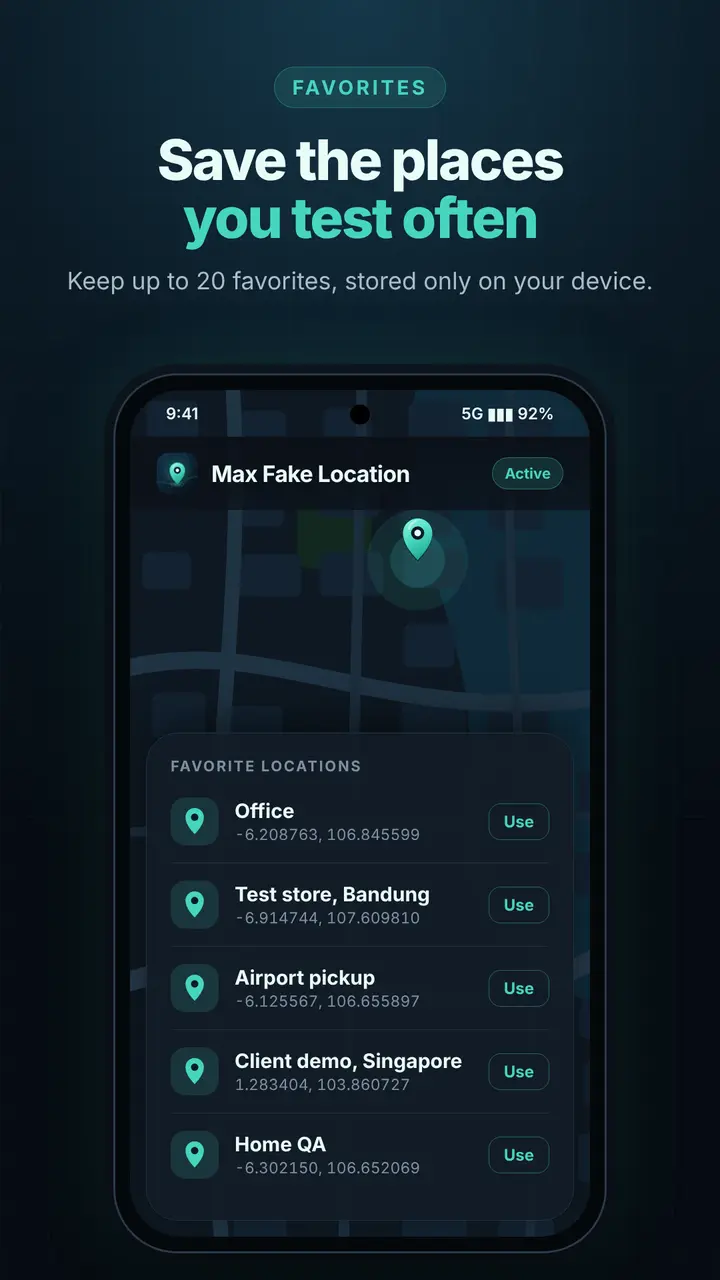
- Favorites: keep up to 20 named places on your device.
- Stop from the app or the ongoing notification at any time.
Private by default
No account and no Max-Q Studio server. Your coordinates, routes and favorites stay on your phone. Viewed map tiles are cached on the device.
Made for testing
Check geofences, check-in radius, store finders and delivery flows from your desk. The free app shows Google AdMob ads.
Android marks simulated positions as mock locations, and some apps choose to ignore them. Only GPS location changes; your IP address and Wi-Fi or cell-network location do not. Please respect the terms of the apps and services you use.