
Choose or take a photo
Pick an image on your phone, or take a fresh photo with the Android camera.
Keep the part you want. Turn a photo into a transparent PNG, refine the selection and come back to your edit whenever you need it.
Coming soon to Google Play.
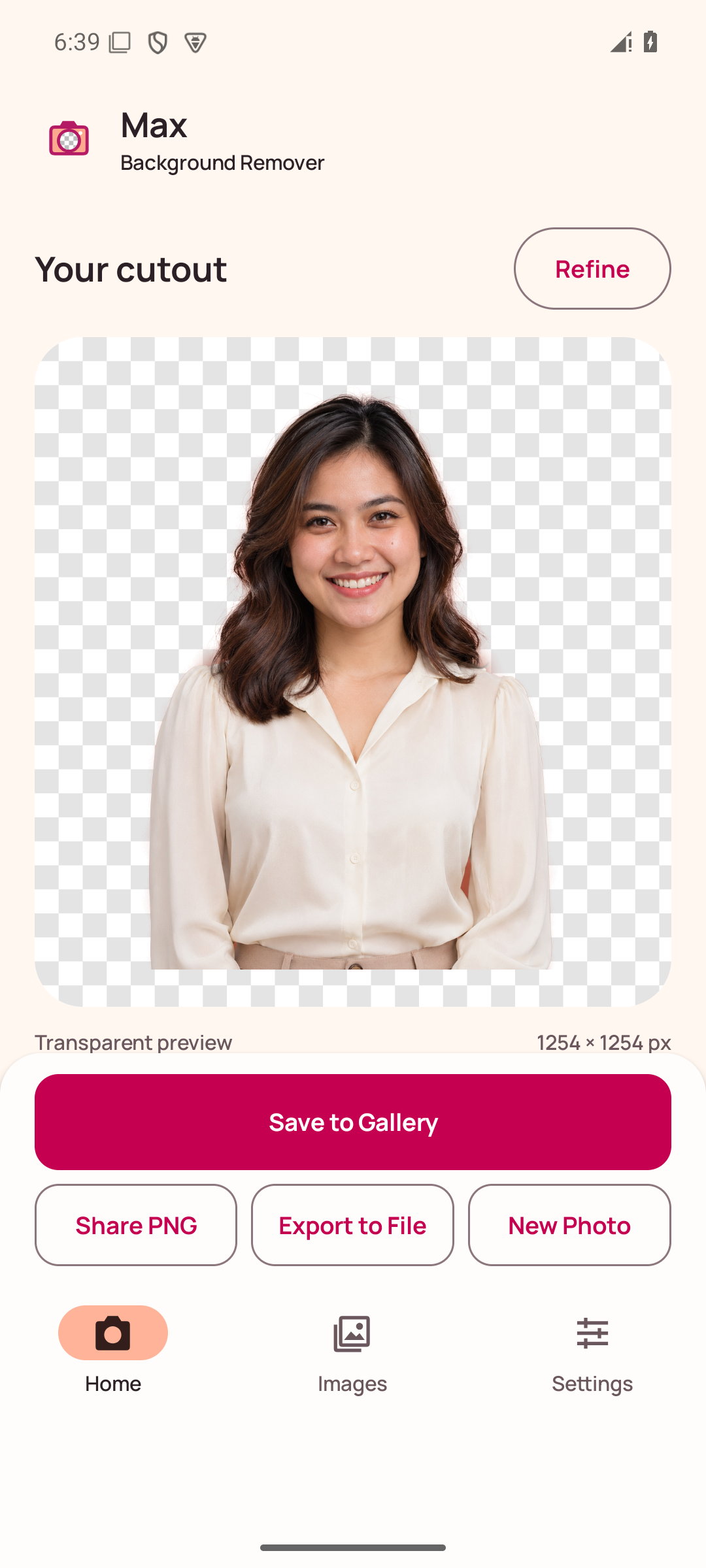
From your camera or gallery to a PNG with a transparent background.
Pick an image on your phone, or take a fresh photo with the Android camera.
Process the photo on your device. The checkerboard helps you see the transparent areas.
Outline an area or adjust a box, then process that selection again with Refine.
Save a PNG to Gallery, share it or export a file. Reopen private projects in Images.
Screens captured from an Android test build. The final release may differ.
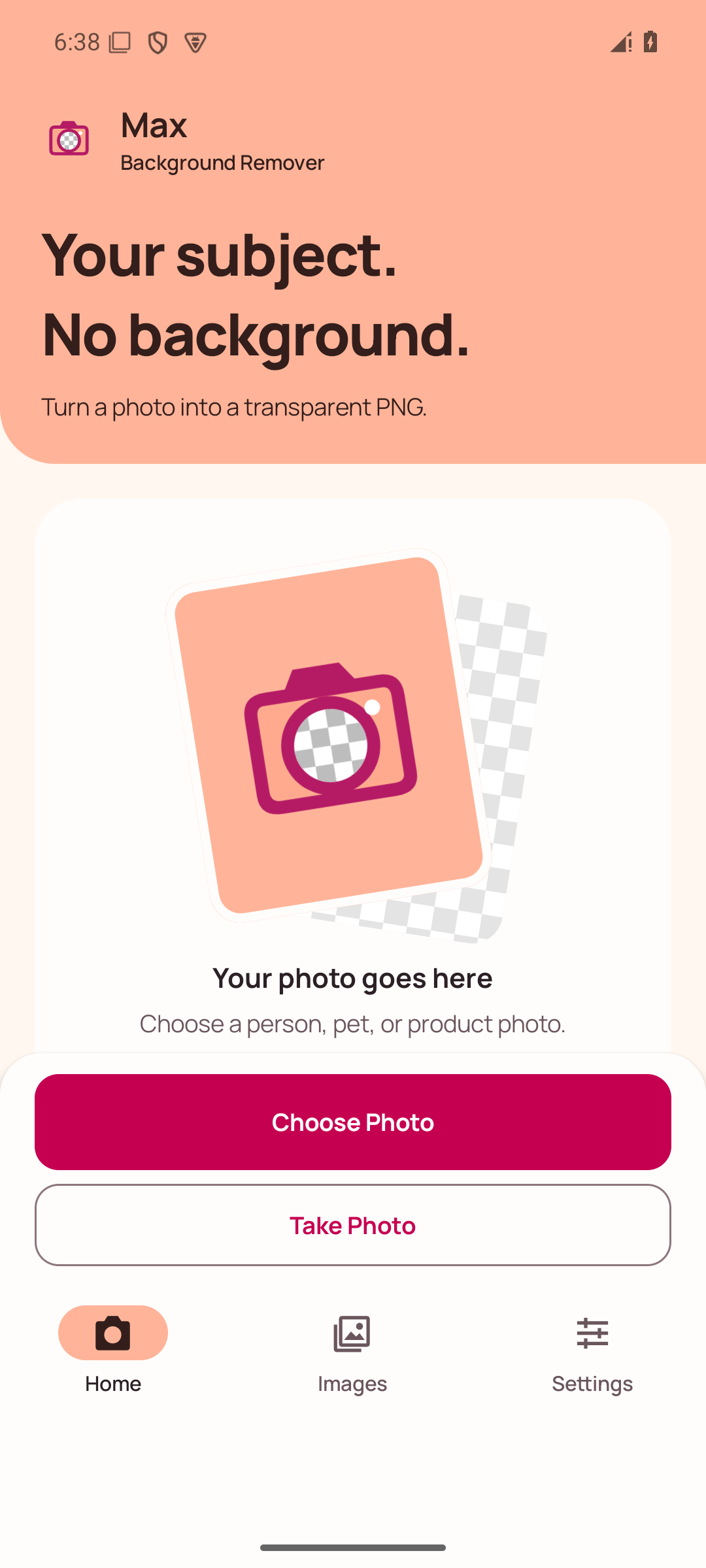
Choose from your device or open the Android camera.
Check the cutout before saving.
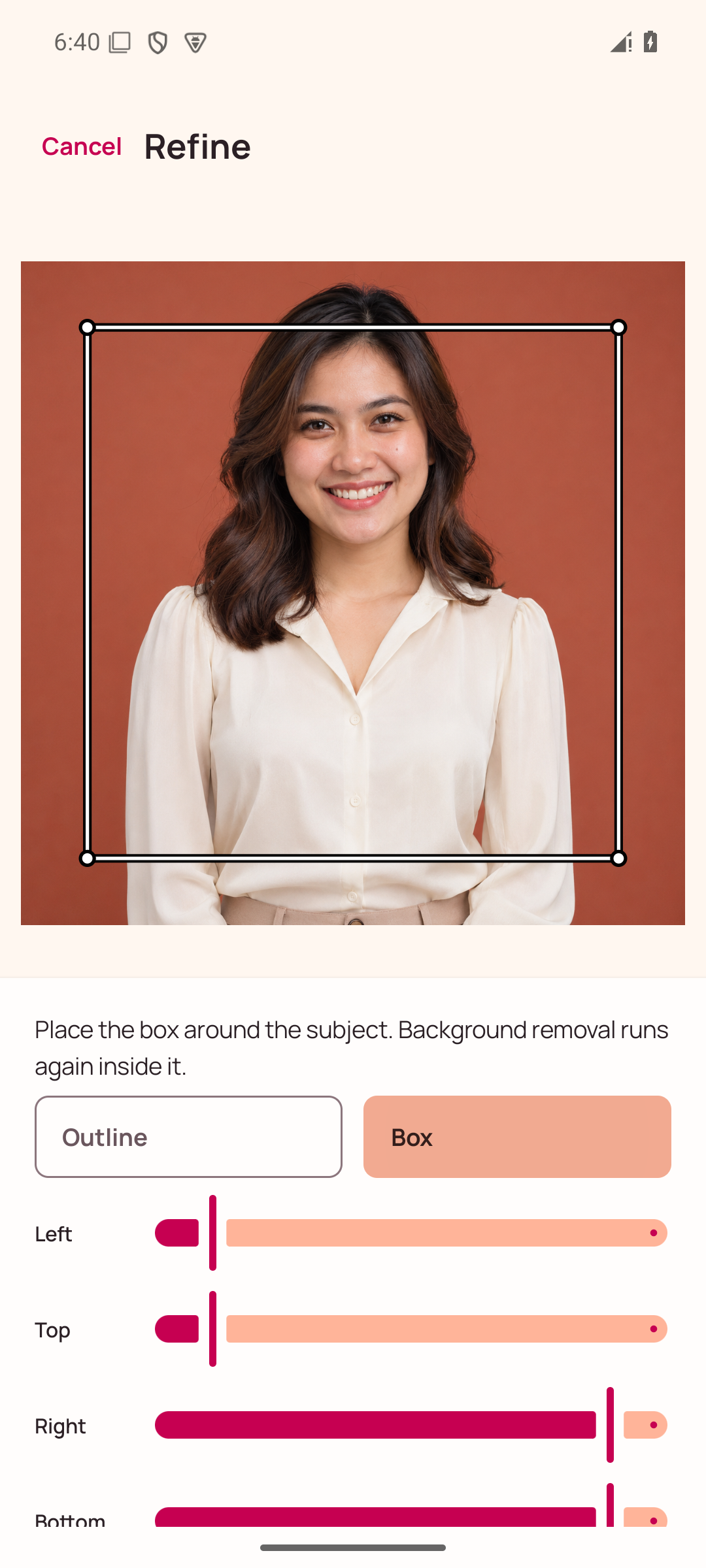
Select the area you want to process again.
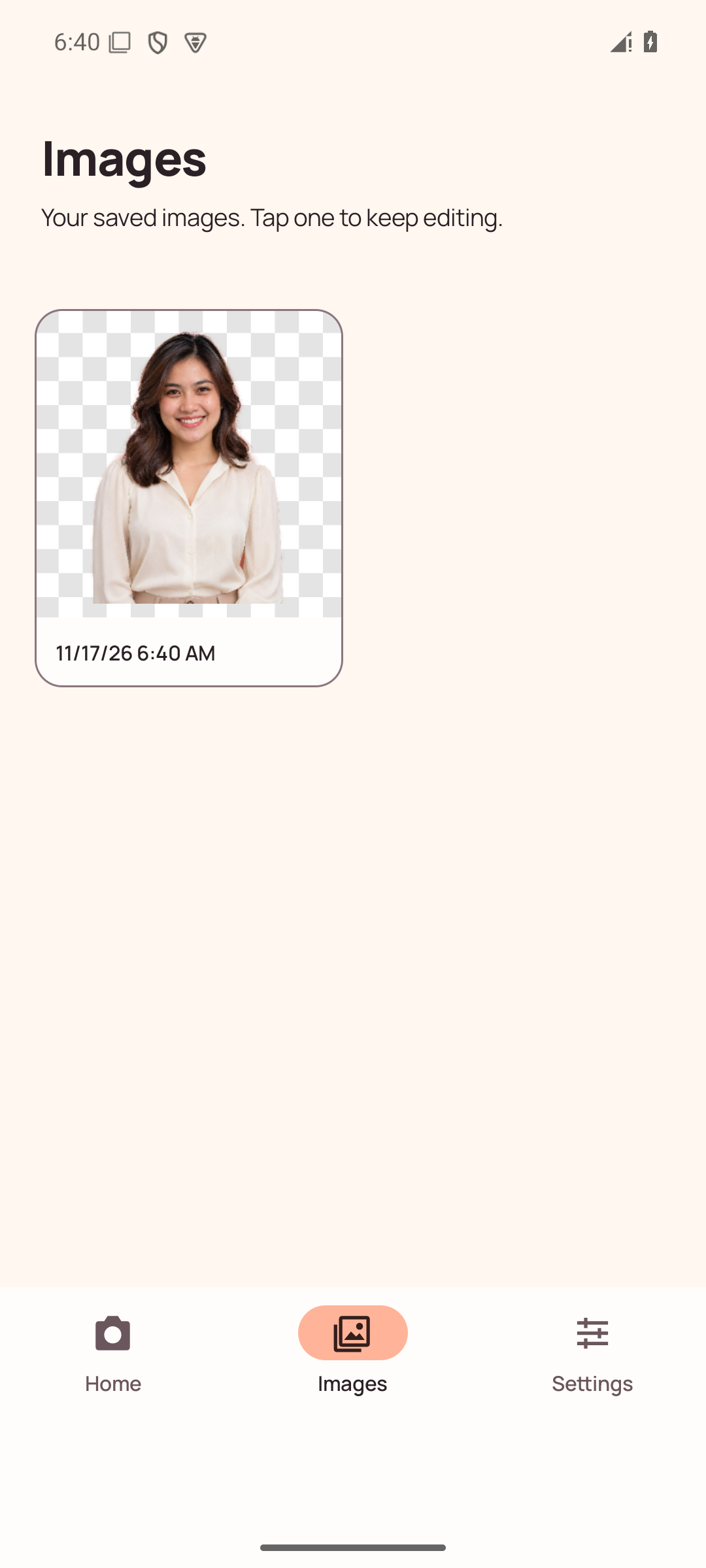
Your saved projects stay together in Images.
The included model works offline. Automatic mode can use the optional ML Kit model when it is already available. Manual choices and setup live in Settings.
Read the Privacy Policy →Hair, fur and complex backgrounds may need another pass. Large photos are limited to 12 megapixels and 4096 pixels per side to manage memory.
The app includes banner, native and rewarded ads. See the export rules and privacy details.